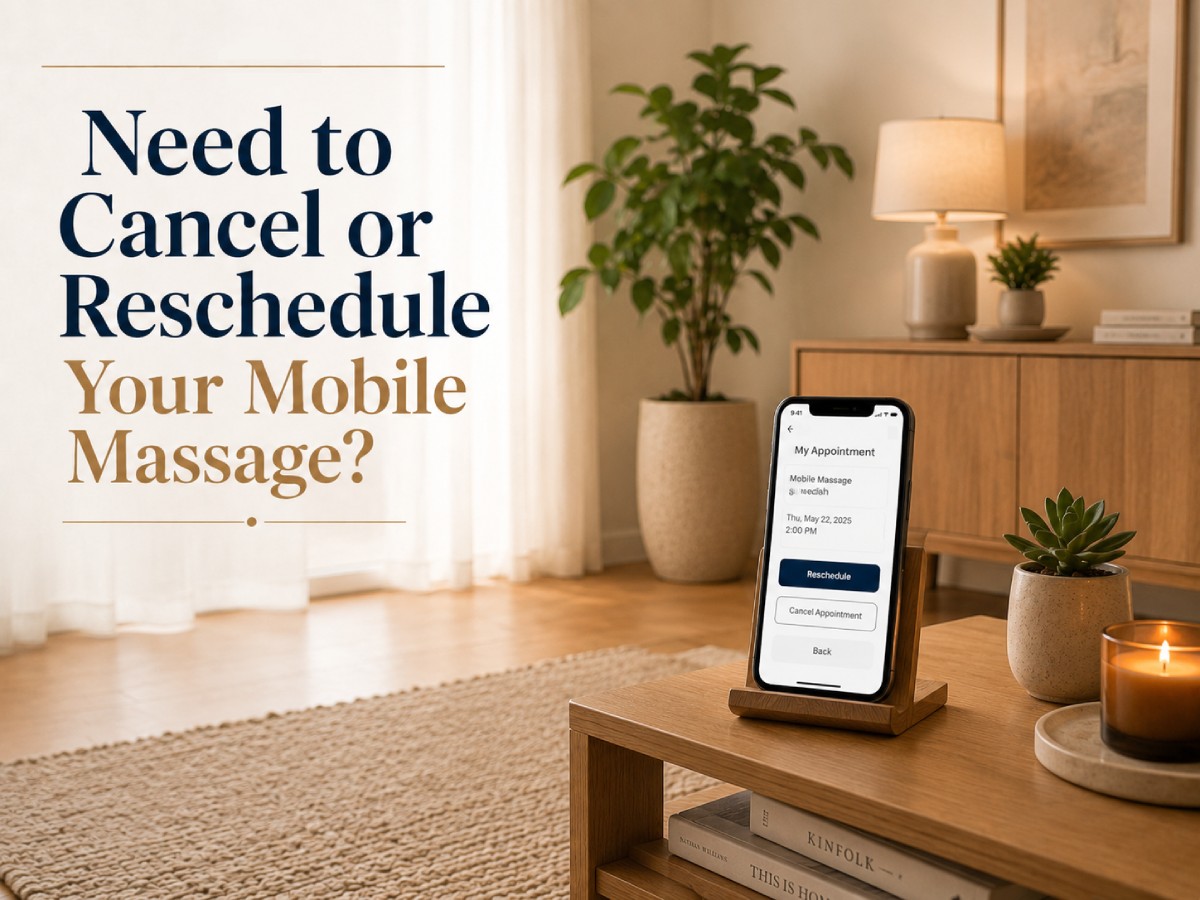
Need to cancel or change your mobile massage appointment in Toronto? Sign in to your Instant Masseuse account before the scheduled start time and open the booking.
If a Reschedule option appears in your dashboard, follow the displayed instructions. If that option is unavailable, cancel the current appointment and create a new booking for another available date or time. When the booking controls are missing or not working, contact Instant Masseuse through the Support Page.
Customers may cancel before the scheduled appointment begins. When a cancellation qualifies for a refund, it is processed through PayPal, although PayPal or the customer’s financial institution may require additional time to display the funds.
This guide explains the difference between cancellation, rescheduling, a late arrival, and a no-show so you can update your booking correctly and avoid unnecessary complications.
Table of Contents
- Mobile Massage Cancellation and Rescheduling: Quick Answer
- How to Cancel a Mobile Massage Appointment
- How to Reschedule a Mobile Massage Appointment
- Can You Cancel a Mobile Massage at the Last Minute?
- Does Instant Masseuse Charge a Mobile Massage Cancellation Fee?
- How Mobile Massage Refunds Work
- Cancellation vs. No-Show: What Is the Difference?
- What Happens If Access Problems Delay the Appointment?
- Special Considerations for Hotels and Condominiums
- What If the Provider Cancels?
- Frequently Asked Questions
- Need to Change Your Mobile Massage Booking?
- About Instant Masseuse
Mobile Massage Cancellation and Rescheduling: Quick Answer
- Open the appointment in your Instant Masseuse account before the scheduled start time.
- Use the Reschedule option if it appears; otherwise, cancel the booking and select another available appointment.
- If the online booking controls are unavailable, contact support before the appointment begins.
- Eligible refunds are processed through PayPal and may take additional time to appear.
- Being unreachable or unable to provide access at the start time may be treated as a no-show.
- Customer-caused delays may shorten the session, and the lost appointment time may not be refunded.
- If the provider cancels, a rebooking option or refund may be offered depending on availability and circumstances.
Booking terms can change. Review the information displayed during checkout and inside your account before confirming or cancelling an appointment.
How to Cancel a Mobile Massage Appointment
To cancel an Instant Masseuse appointment:
- Sign in to your account and open your upcoming appointments.
- Select the correct booking and verify the date, time, service address, and provider.
- Choose the cancellation option before the scheduled appointment begins.
- Check your dashboard and email for a confirmation or updated booking status.
- Keep the confirmation until any applicable refund has appeared.
Do not assume that sending a private message to the provider automatically cancels the appointment. Completing the process through the booking flow creates a clearer record of the request.
If the cancellation option is missing, the booking page is not working, or the appointment status appears incorrect, contact Instant Masseuse through the Support Page before the scheduled start time. Include the booking details needed to identify the appointment, but never send passwords or complete payment credentials.
How to Reschedule a Mobile Massage Appointment
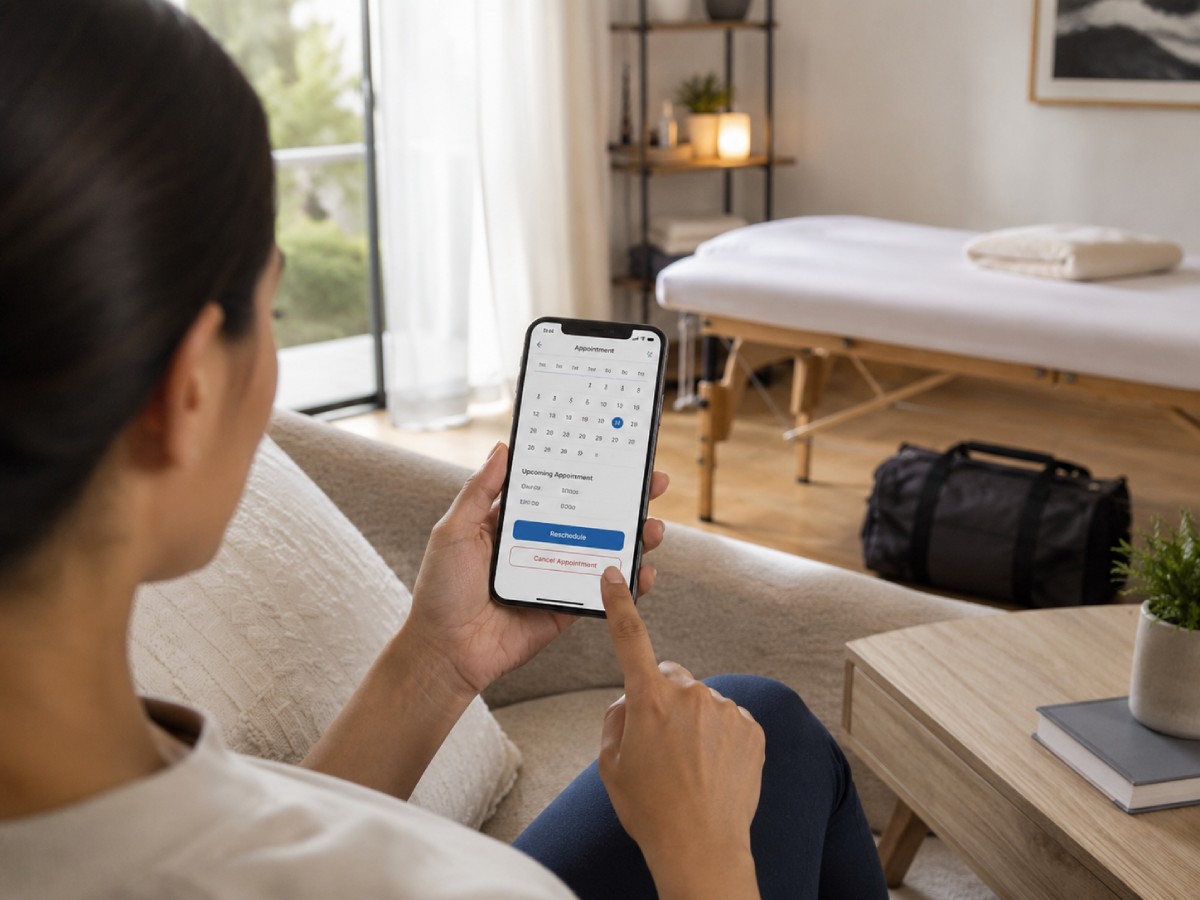
First, sign in to your account and open the existing appointment. If your dashboard displays a Reschedule option, use it and follow the instructions shown with the booking.
If direct rescheduling is unavailable, cancel the current appointment before its scheduled start time and create a new booking for another available date or time.
A new time is subject to current availability. The same provider may not be available, and the displayed price, travel coverage, or appointment details may be different.
Before confirming the replacement appointment, review:
- The date and start time
- The service address
- The selected provider
- The provider’s travel area
- The displayed price
- Equipment or setup information
- Parking, buzzer, lobby, or hotel access instructions
Treat the replacement appointment as confirmed only after its status appears as confirmed in your account or you receive the applicable email or text notification.
Can You Cancel a Mobile Massage at the Last Minute?
Instant Masseuse’s current terms allow customers to cancel before the scheduled appointment start time. The published terms do not state a universal 24-hour or 48-hour cancellation requirement.
However, you should cancel as soon as you know you cannot attend. Earlier notice gives the provider more time to adjust travel plans and gives you more time to find another available appointment.
For example, if your appointment begins at 7:00 p.m. and you know at 1:00 p.m. that you will not be available, cancel at 1:00 p.m. rather than waiting until the final few minutes.
Same-day rebooking may be possible when another provider or appointment time is available, but it should not be assumed or considered guaranteed.
Does Instant Masseuse Charge a Mobile Massage Cancellation Fee?
The current Instant Masseuse terms do not list a separate standard cancellation fee for a booking cancelled before the scheduled appointment begins.
However, the terms describe cancellation and refunds as being processed “as applicable.” This does not mean that every cancellation will automatically qualify for a full or immediate refund.
The outcome can depend on whether the booking was cancelled before the start time, whether the customer was available, and whether the appointment was treated as a no-show or customer-caused delay.
Always review the information shown in your account and booking flow, as the terms connected to your active booking provide the most relevant information for your appointment.
How Mobile Massage Refunds Work
When a cancellation qualifies for a refund, Instant Masseuse processes the applicable refund through PayPal.
The money may not appear immediately. There is a difference between the platform initiating a refund and the funds becoming visible in the customer’s PayPal balance, bank account, or card statement.
Processing time can depend on PayPal and the financial institution connected to the original payment method.
Keep the cancellation and refund confirmation until the money appears. If the refund has been confirmed but does not arrive within the processing period shown by the payment provider, contact support with the relevant booking and transaction information.
Cancelling an appointment does not automatically reserve another provider or appointment time. Before rebooking, check the status of the original booking, any applicable refund, and the payment information displayed in your account.
Cancellation vs. No-Show: What Is the Difference?
A cancellation is completed through the booking flow or Support Page before the scheduled appointment begins.
A booking may be treated as a no-show when the customer is unavailable at the start time, cannot be reached, does not answer the door, provides an incorrect address, or cannot give the provider access to the property.
These situations are not treated in the same way. A no-show may affect refund eligibility and can result in warnings, booking restrictions, account suspension, or account termination.
If you already know you will not be available, cancel through the official booking process instead of waiting for the provider to arrive.
What Happens If Access Problems Delay the Appointment?
If the provider arrives on time but the appointment begins late because of a customer-related issue, the session may still need to end at its originally scheduled time.
Customer-related delays can include:
- An unanswered phone or door
- An incorrect address or unit number
- A missing or incorrect buzzer code
- Unavailable parking instructions
- Delayed hotel visitor registration
- Concierge or elevator access problems
- A room or appointment area that is not ready
The provider may have another confirmed appointment and may not be able to extend the session. Under the current terms, time lost because of a customer-caused delay may not be refunded.
Before the appointment, verify your address, telephone number, unit, buzzer, parking details, and property access instructions. Be ready a few minutes before the scheduled start time and keep your phone nearby.
Special Considerations for Hotels and Condominiums
Mobile massage appointments at Toronto hotels and condominiums may require additional access planning. Before the appointment, confirm that the property permits outside mobile service providers and ask whether visitor registration is required. You may need to register the visitor or meet the provider in the lobby.
For a condominium appointment, check guest entry, parking, elevator access, concierge requirements, and buzzer information.
If the provider cannot enter because access was not arranged, the delay may be considered customer-caused. The session may be shortened, and the provider may not be able to remain beyond the scheduled end time.
For more details, read our guide to booking a mobile massage at a Toronto hotel.
What If the Provider Cancels?
A provider may occasionally need to cancel because of illness, an emergency, transportation difficulties, or unsafe travel conditions.
If this happens, check your account, email, and text messages for an official booking update. Depending on availability and the circumstances, Instant Masseuse may offer a rebooking option or a refund.
Another provider or identical appointment time is not guaranteed. Before accepting or creating a replacement booking, review the new provider, date, time, service area, price, and appointment details.
If no suitable replacement is available, follow the refund instructions connected to the cancelled booking and keep the confirmation until the matter is resolved.
Frequently Asked Questions
Can I Cancel a Mobile Massage on the Same Day?
Yes. The current Instant Masseuse terms allow customers to cancel before the scheduled appointment start time. Cancel through your account as soon as you know you cannot attend.
Can I Reschedule Without Cancelling?
Check the existing booking in your dashboard. Use the Reschedule option if it appears. If direct rescheduling is unavailable, cancel the appointment and create a new booking.
Will I Receive a Full Refund?
Eligible cancellations may be refunded through PayPal, but the terms describe refunds as being processed “as applicable.” Check the status and instructions connected to your booking.
How Long Does a PayPal Refund Take?
Instant Masseuse may initiate the applicable refund through PayPal, but PayPal, your bank, or your card issuer may require additional time to display the funds.
What Happens If I Do Not Answer the Door?
If you are unreachable or cannot provide access at the scheduled start time, the booking may be treated as a no-show and may affect refund eligibility or account access.
Can I Book Another Provider After Cancelling?
Yes, you can search for another available provider or appointment time. Availability, pricing, travel coverage, and appointment details may be different.
Need to Change Your Mobile Massage Booking?
If your appointment has not started, sign in to your Instant Masseuse account and open the booking. Use the available Reschedule option or cancel the appointment and select another available date or time.
Complete the change through the official booking flow rather than relying only on a private message. Keep the cancellation or refund confirmation, and contact support if the booking controls are unavailable.
Before your next appointment, verify the address, unit number, buzzer, parking, hotel, or condominium access instructions to prevent delays.
Ready to choose another appointment? Browse currently available mobile massage providers in Toronto and the GTA.
About Instant Masseuse
Instant Masseuse is a Toronto-based marketplace platform that connects customers with independent providers offering mobile massage services across Toronto and the GTA.
Customers can review available profiles, choose a provider, select an appointment time, and manage booking information online. Providers operate independently and are responsible for the services they offer, while Instant Masseuse facilitates the platform’s booking, payment, communication, and support functions.